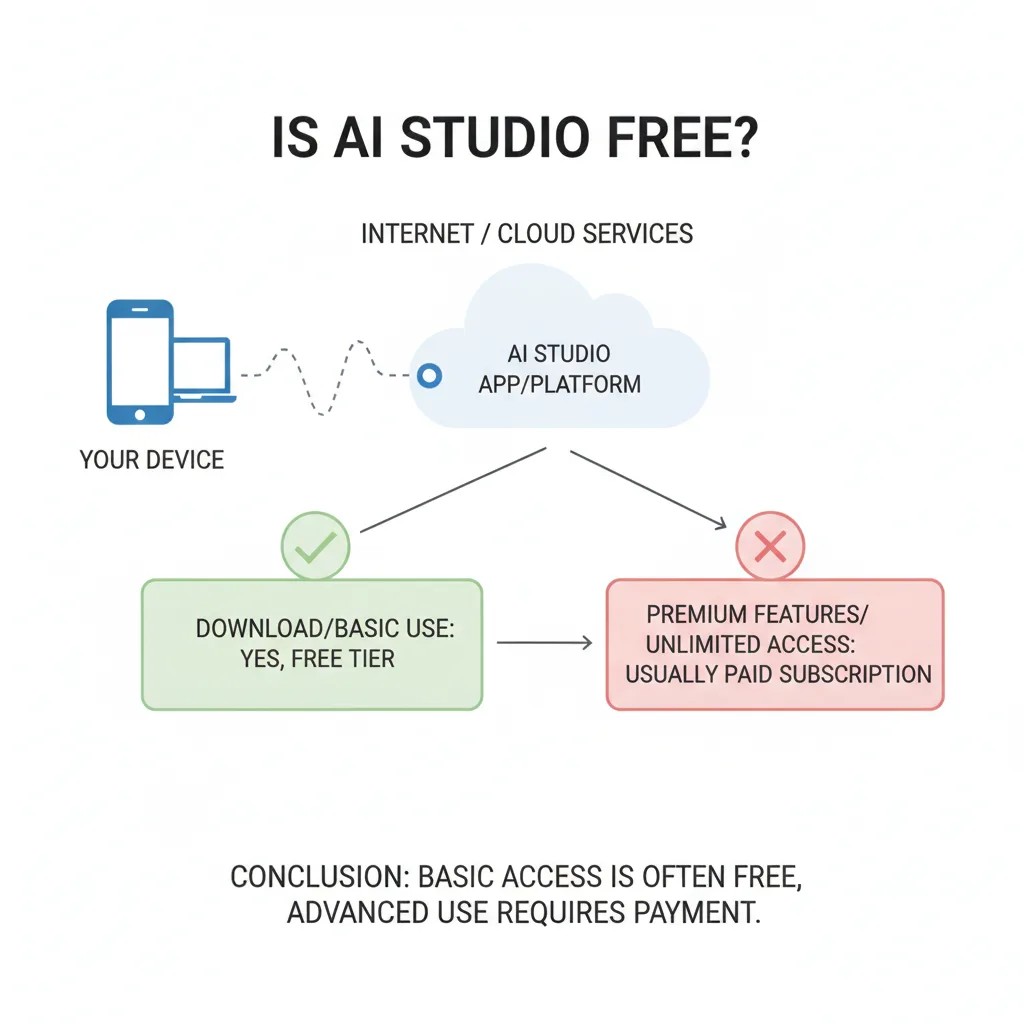
Yes, Google AI Studio is free for prototyping—but that's only half the story. Google AI Studio (the browser-based development interface for Gemini models) has no subscription fee. You can access it, test prompts, and experiment with AI models at zero cost. However, once you move beyond prototyping and start building real applications, Gemini API costs kick in based on usage.
Yes, Google AI Studio is free for prototyping—but that's only half the story. Google AI Studio (the browser-based development interface for Gemini models) has no subscription fee. You can access it, test prompts, and experiment with AI models at zero cost. However, once you move beyond prototyping and start building real applications, Gemini API costs kick in based on usage.
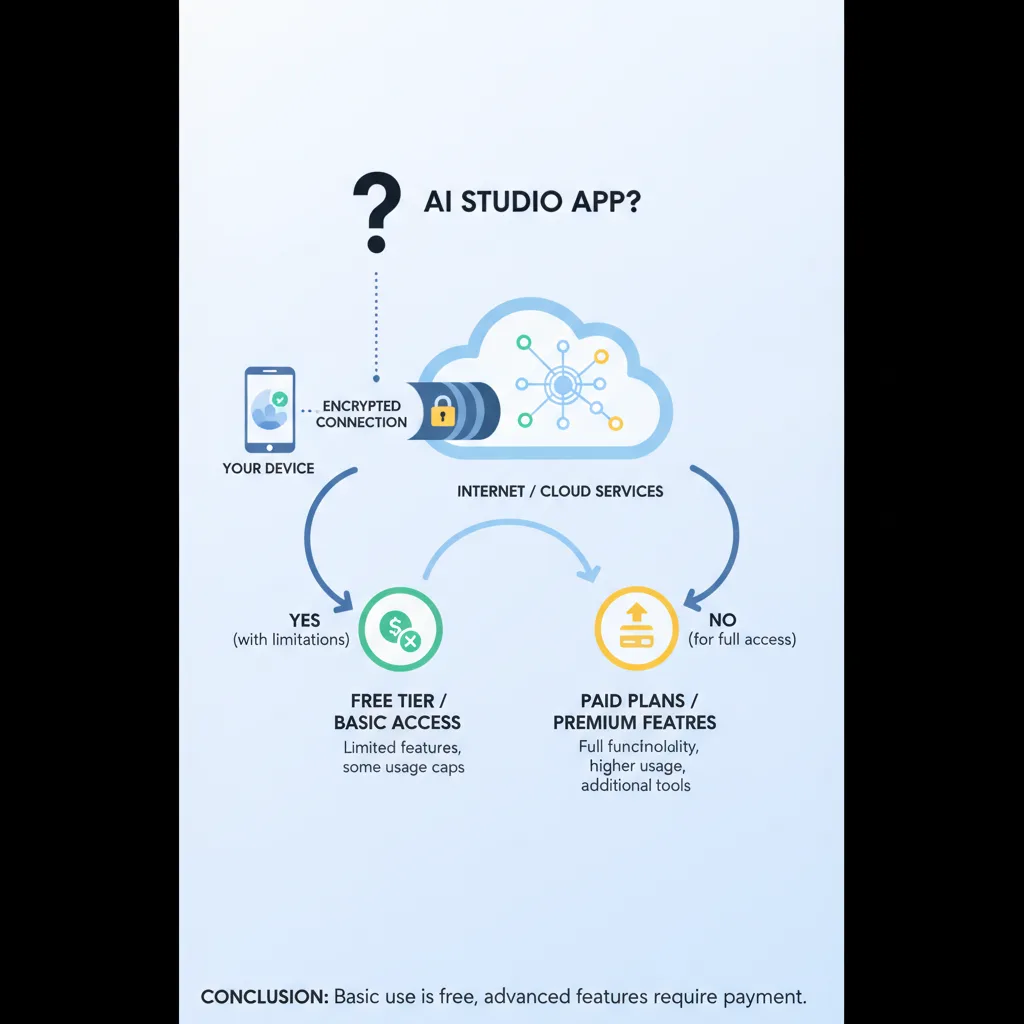
This pricing distinction confuses developers and product teams searching "is AI Studio free." The interface is free; production API calls are metered and billed. If you're evaluating whether Google AI Studio fits your project budget, you need to understand both the free tier boundaries and when those boundaries stop making sense for serious product development.
One more clarification: multiple apps share the "AI Studio" name. This guide covers Google AI Studio—Google's official platform for building with Gemini AI—not unrelated mobile image-generator apps. If you're a founder or product manager planning an AI feature, knowing AI Studio pricing helps you budget correctly and recognize when you need a development partner to ship production-grade applications.
Understanding Google AI Studio Pricing Tiers
Google AI Studio follows a freemium model designed to lower barriers for developers testing AI capabilities. Here's the exact pricing structure as of 2025:
The Free Tier: What's Actually Included
Google AI Studio's interface is 100% free. You pay nothing to access the web environment, experiment with different Gemini models, test prompt strategies, or prototype conversational interfaces. Google provides this as a sandbox to encourage Gemini API adoption.
The free tier also includes limited API usage:
- Monthly request quotas (specific limits vary by model and region)
- Access to Gemini Pro and Gemini Pro Vision for testing
- Basic rate limits sufficient for experimentation
- No-cost integration with Google Cloud projects during development
"Free tier" doesn't mean unlimited. Google imposes request caps, token quotas, and rate throttling to prevent abuse. These limits work fine for validating concepts—they break down when you launch to real users.
Pay-As-You-Go API Pricing
Once you exceed free quotas or deploy a production app, Google bills Gemini API usage based on consumption. Pricing factors include:
- Model selection — Gemini Pro, Gemini Ultra, and specialized models have different per-token rates
- Token volume — Both input prompts and output responses count toward your bill
- Request frequency — Total API calls per month
- Advanced features — Streaming responses, multimodal inputs, and extended context windows increase costs
Typical rates range from $0.50 to $15 per million tokens depending on the model tier. A production chatbot serving 100,000 conversations monthly might cost $75–$600 based on average conversation length and model choice. Without optimization, token costs scale faster than user growth.
When Billing Starts
You'll move from free to paid when:
1. Monthly free quotas run out (often happens during pilot testing) 2. You link AI Studio to a billable Google Cloud account for production 3. Your application scales beyond prototype user counts 4. You need enterprise features like higher rate limits or SLA guarantees
Most teams hit this threshold during beta launch. The prototype worked perfectly in AI Studio with 50 test users—then billing alerts fire when 5,000 real users start conversations simultaneously.
| Tier | Interface Cost | API Usage | Rate Limits | Best For |
|---|---|---|---|---|
| Free | $0 | Limited monthly quota | Low | Prototyping, concept validation |
| Pay-As-You-Go | $0 | $0.50–$15 per million tokens | Standard | Production apps, scaling products |
| Enterprise | $0 | Custom pricing | Custom | High-volume applications, SLA requirements |
When Free Tools Aren't Enough: Moving to Production
Google AI Studio excels at rapid experimentation. You can validate an AI concept, test prompt strategies, and prototype interactions in hours. But prototyping isn't shipping—and that gap is where most AI projects stall.
Limitations of Experimentation Platforms
Free-tier tools impose constraints that become critical at scale:
Rate limiting kills availability — Free quotas reset monthly. Hit your limit on day 12, and your application stops working for 18 days or until you upgrade. Production apps need consistent uptime, not monthly resets.
Data privacy and compliance gaps — AI Studio works for testing, not for handling sensitive customer data. Production applications require proper data governance, audit logging, encryption standards, and compliance frameworks (GDPR, HIPAA, SOC2) that prototype environments don't address.
Integration complexity — Your AI feature doesn't exist in isolation. It needs authentication, database access, analytics pipelines, payment systems, and business logic. AI Studio gives you an API endpoint—building everything around it requires full-stack engineering.
Performance optimization — Token costs multiply without optimization. Production applications need prompt compression, response caching, streaming implementations, fallback strategies, error handling, and cost monitoring that AI Studio doesn't provide.
User experience gaps — "The AI responds correctly" isn't the same as "users love this feature." Production UX requires loading states, error messages, conversation history, retry logic, graceful degradation, and interaction polish that determine product success.
From Prototype to Production: Engineering Requirements
Shipping a production AI application involves:
- Backend infrastructure for API orchestration, rate limiting, and business logic
- Frontend development for user interfaces, conversation flows, and real-time updates
- Database architecture for conversation history, user context, and analytics
- Security implementation including authentication, authorization, input sanitization, and API key management
- Monitoring and observability with error tracking, cost alerts, performance metrics, and usage analytics
- Testing frameworks covering unit tests, integration tests, and AI output validation
- DevOps and deployment with CI/CD pipelines, environment management, and rollback strategies
LunexLab handles these production systems for startups and product teams. We built Fubble VPN, a consumer application serving real users at scale—the same engineering discipline we apply to custom AI app development. We know the difference between a prototype that works once and a product that works reliably.
AI Studio Alternatives and the Custom Development Decision
Google AI Studio isn't your only option. Teams also evaluate:
OpenAI Playground — Similar free interface for GPT models with comparable API pricing. Strong developer ecosystem and documentation, but vendor lock-in and occasional capacity constraints.
Anthropic Console — Claude experimentation environment emphasizing safety and longer context windows. Newer platform with competitive pricing but smaller community.
Open-source models — Llama, Mistral, and other open models eliminate API costs but require infrastructure investment, model hosting expertise, GPU provisioning, and ongoing maintenance.
Low-code AI platforms — Tools like Voiceflow or Retool speed up prototyping but limit customization for unique use cases and complicate migration when you outgrow them.
Each option trades off cost, control, and capabilities. The pattern holds across all platforms: free tools validate ideas; shipping requires engineering investment.
Why Startups Choose Development Studios
Product teams work with LunexLab for custom AI app development when they need:
Speed to market — Skip months learning AI infrastructure patterns, prompt engineering optimization, and production deployment best practices. We've shipped AI products before.
Full code ownership — Unlike SaaS platforms where you rent features monthly, custom development gives you complete control of your codebase, data pipelines, and product roadmap.
Cost optimization — Our engineers architect solutions that minimize token consumption through caching strategies, prompt compression, smart model selection, and fallback patterns that cut API costs 40–70%.
Complex integrations — Your AI feature needs to work inside your existing product. We handle authentication systems, database migrations, API orchestrations, and third-party integrations that prototype tools don't address.
Production reliability — The difference between a demo and a product users trust involves error handling, edge case coverage, monitoring, graceful degradation, and engineering rigor developed across multiple successful launches.
Our AI app development services cover the complete lifecycle—from concept validation through first launch to scaling infrastructure as you grow. We've demonstrated this with real products like Fubble, not just client project screenshots.
Next Steps: From Prompt to Product
If you're evaluating whether Google AI Studio is free, you're likely in one of two stages:
Stage 1: Validating an AI concept — AI Studio's free tier works perfectly here. Experiment freely, test different approaches, validate that AI solves your use case before committing development budget.
Stage 2: Ready to ship a product — This is where free tools hit their ceiling. You've validated the concept; now you need engineering to build something users can rely on. This is where LunexLab helps.
How LunexLab Approaches AI Projects
Our custom AI app development process:
1. Discovery and scoping — We understand your use case, technical constraints, and success metrics. If AI isn't the right solution, we'll tell you honestly and suggest simpler alternatives.
2. Architecture and planning — We design the technical approach including model selection, integration strategy, cost projections, and realistic timelines. You'll know exactly what you're building before we write code.
3. Iterative development — We ship working software in sprints, not multi-month black boxes. You see progress weekly and adjust priorities as you learn from real usage.
4. Launch and transition — We deploy to production infrastructure, provide complete documentation, set up monitoring, and either continue with ongoing support or hand off clean code for your team to maintain.
Whether you're adding an AI feature to an existing product or launching an AI-native application, we focus on shipping real products that work. See our portfolio of completed projects to understand what we build.
Ready to move beyond prototyping? Contact us to discuss your AI application. We'll give you straight answers about what's required to ship—from free tools like AI Studio to the engineering investment that turns concepts into products users trust.
---
Last updated: January 2025. Google AI Studio pricing and features evolve regularly. Check Google AI for Developers documentation for current rates, quotas, and model availability. This guide reflects pricing structures accurate as of publication but cannot account for future changes.